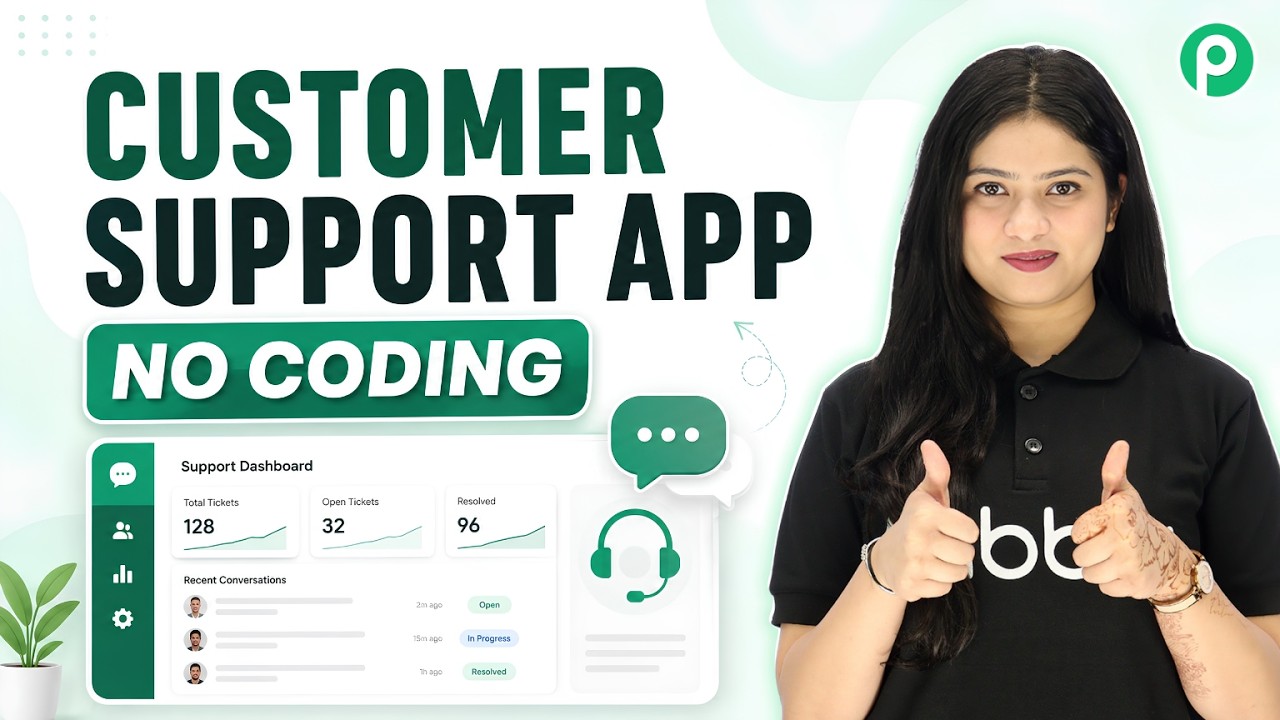
Watch Step By Step Video Tutorial Below 1. Creating Your Support Application with Okay Okay is the foundation for creating your support application. Start by clicking on the "create app" button to initiate the setup. You will be prompted to name your application, which is crucial for identification. In this case, let’s name it "Supportly". This name will be visible to users every time they interact with the app. Once you have entered the name, click on "create" to begin the building process. 2. Defining Your App Requirements Now that you have created your app, it's time to define its...